Back to Articles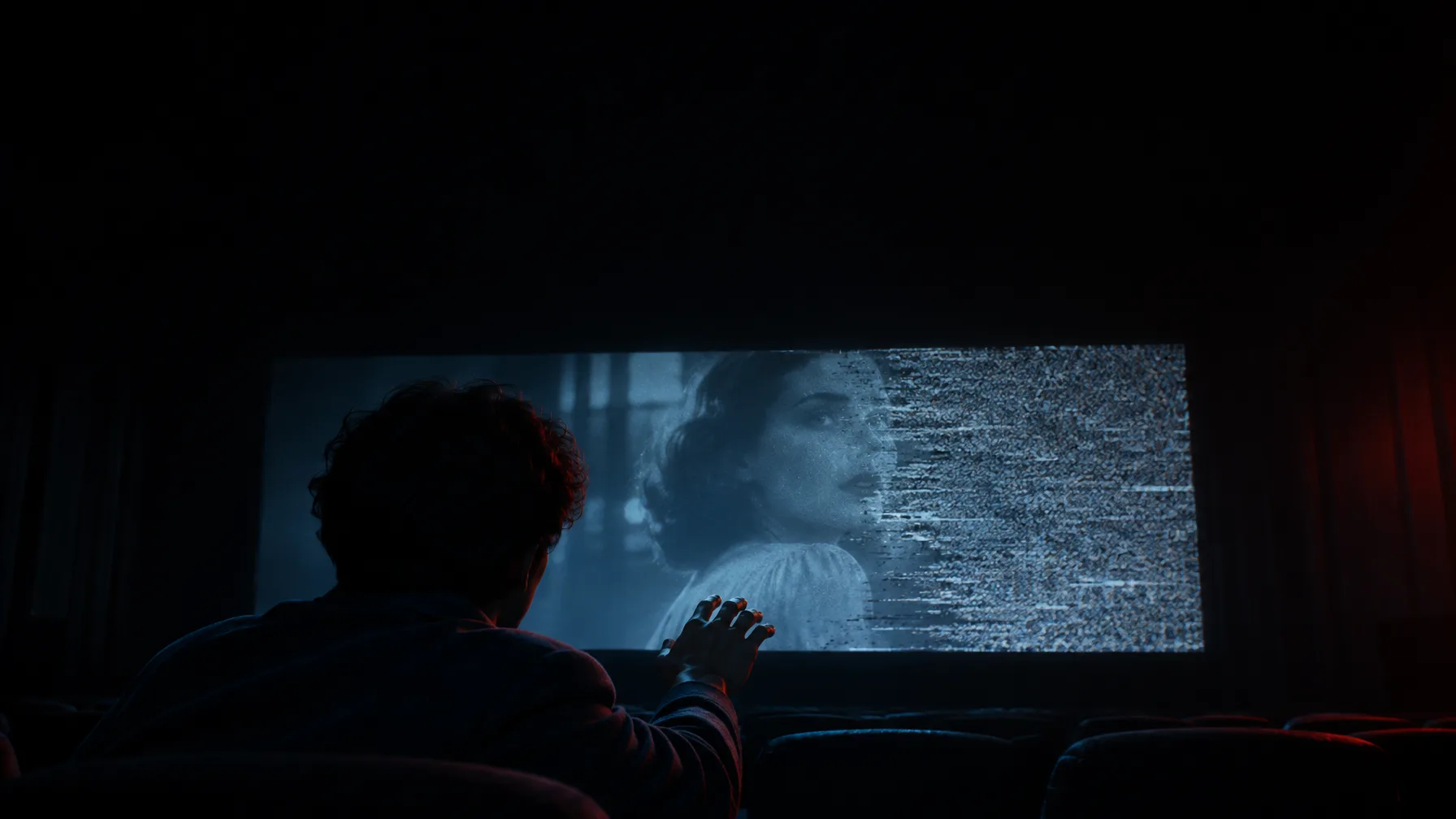
Prompting
5 Prompt Mistakes That Waste Your AI Video Credits
Burning credits on AI video that misses? These five prompt mistakes are the usual cause. Fix them and get usable clips on the first try.
BEKO·Nov 6, 2026·2 min read
Most wasted credits are not the model's fault. They are prompt mistakes, and the same five come up again and again. Here is what they look like and how to fix each one.
1. Asking for three things in one clip
"She walks in, sits down, opens the letter and cries." That is four shots, not one. The model tries to squeeze everything in and delivers a blur of half-finished actions.
Fix: one action per clip. Make four short clips and cut them together. They will look better and cost about the same.
2. Describing the mood instead of the picture
"Cinematic, epic, emotional, beautiful lighting" tells the model nothing it can draw. Every one of those words means something different to every person.
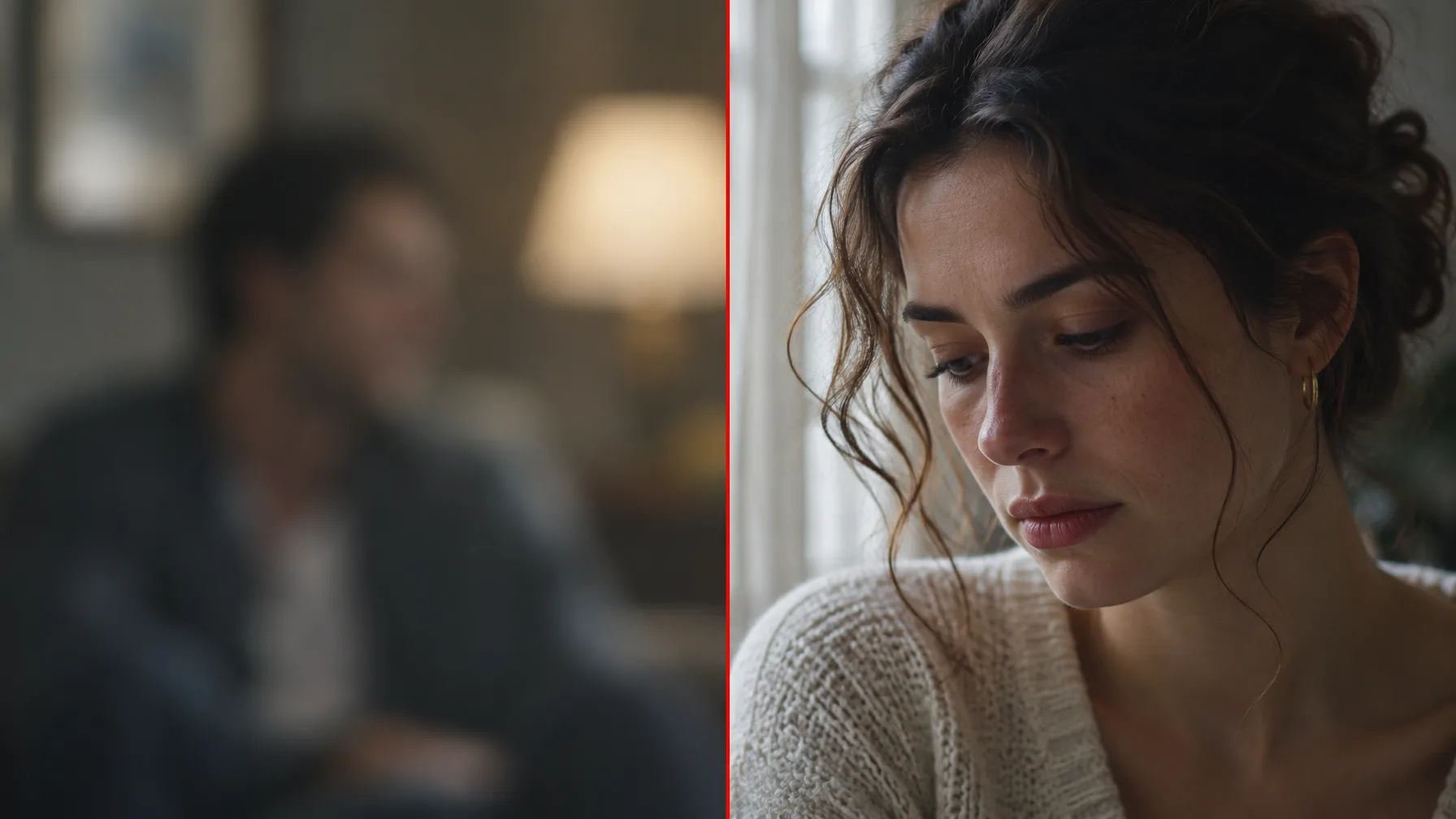
Fix: say what the camera sees. "Close-up, soft window light from the left, shallow focus, she looks down" is cinematic without using the word.
3. Forgetting the camera
If you do not say what the camera does, the model guesses, and it usually guesses a slow, aimless drift that makes every clip feel the same.
Fix: add one line about shot size and movement. Wide, medium or close-up. Static, push in, track left, handheld. One of each is enough.
4. Re-describing your character every time
Typing "a tall man with grey hair and a navy coat" in every prompt gives you a slightly different man every time. Text is too vague to pin down a face.
Fix: save the character once as an Element on Dayanica and call it with @ in the prompt. The model sees the same reference every time, so you stop paying for near-misses.
5. Generating video before you have the frame
Video is the most expensive thing you make. Going straight to text-to-video means you are paying video prices to discover the look.
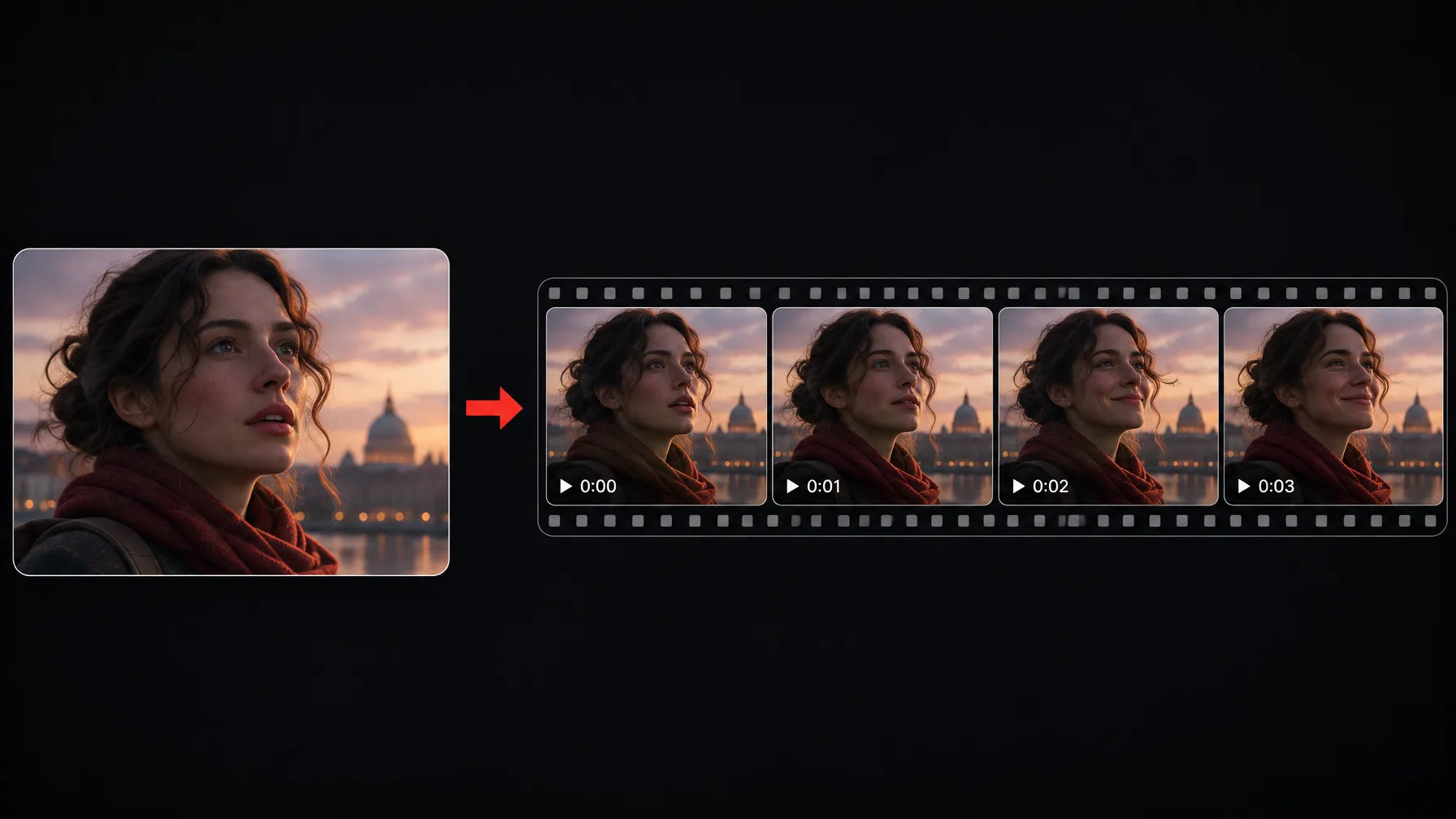
Fix: design the shot as an image first. When the still is right, animate it with image-to-video. You find your look at image prices and spend video credits only on shots you have already approved.
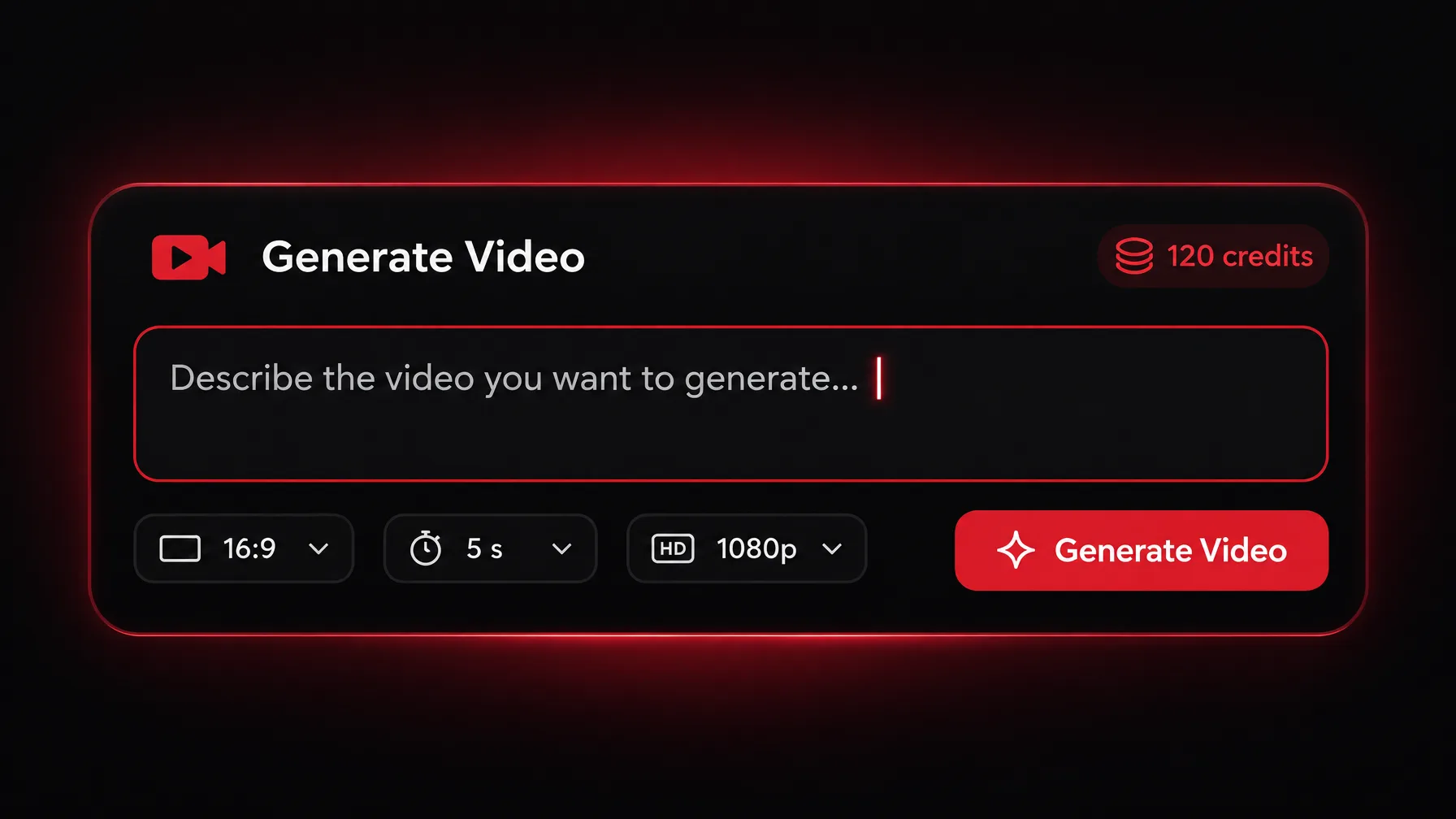
Tip:Before you hit Generate: Read the prompt back and check. One action, a described picture (not a mood), a camera line, an @ Element instead of a description, and a still you already like. Five seconds of checking saves a lot of credits.