Back to Articles

Prompting
Keeping a character consistent with Elements
The single biggest complaint about AI video.. a character's face or outfit drifting between shots has a real fix in Dayanica: save them as an Element once, then reference them by name in every later generation.
Dayanica Team·Oct 21, 2026·1 min read
Every time you type a fresh description of the same character, you're asking the model to re-imagine them from scratch, which is exactly why their face, outfit, or hair color drifts shot to shot. Elements fix this by saving a character (or product, or style) once as its own reusable reference.
Save your character once
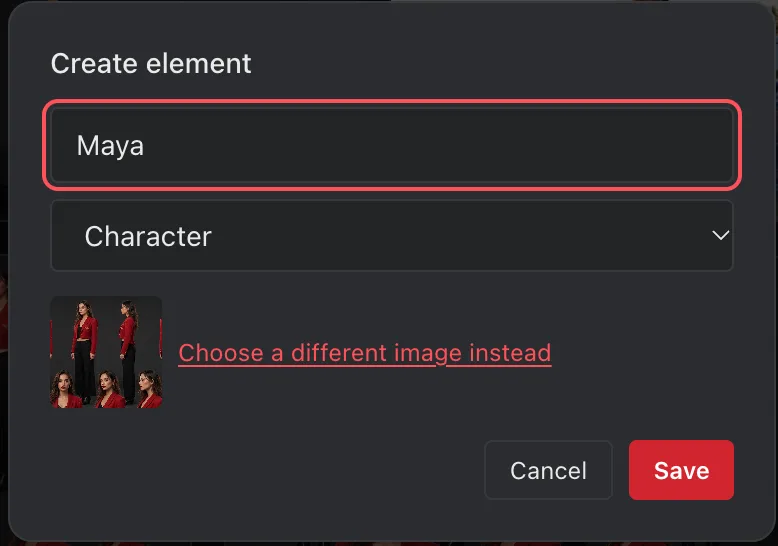
Generate (or upload) a clean reference image of your character, then save it as an Element from the Assets gallery, give it a short, memorable name like @maya.
Mention it in every Prompt later
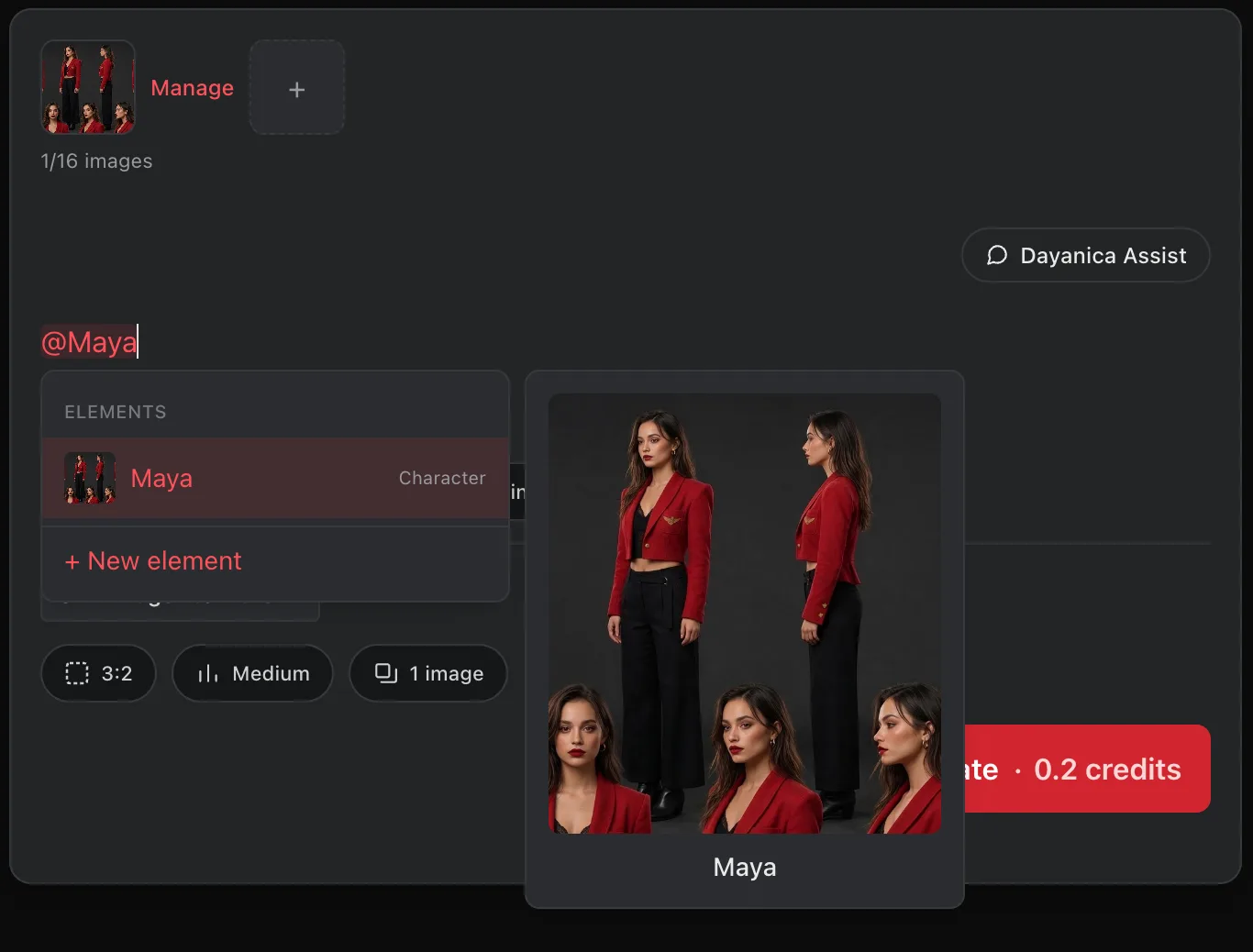
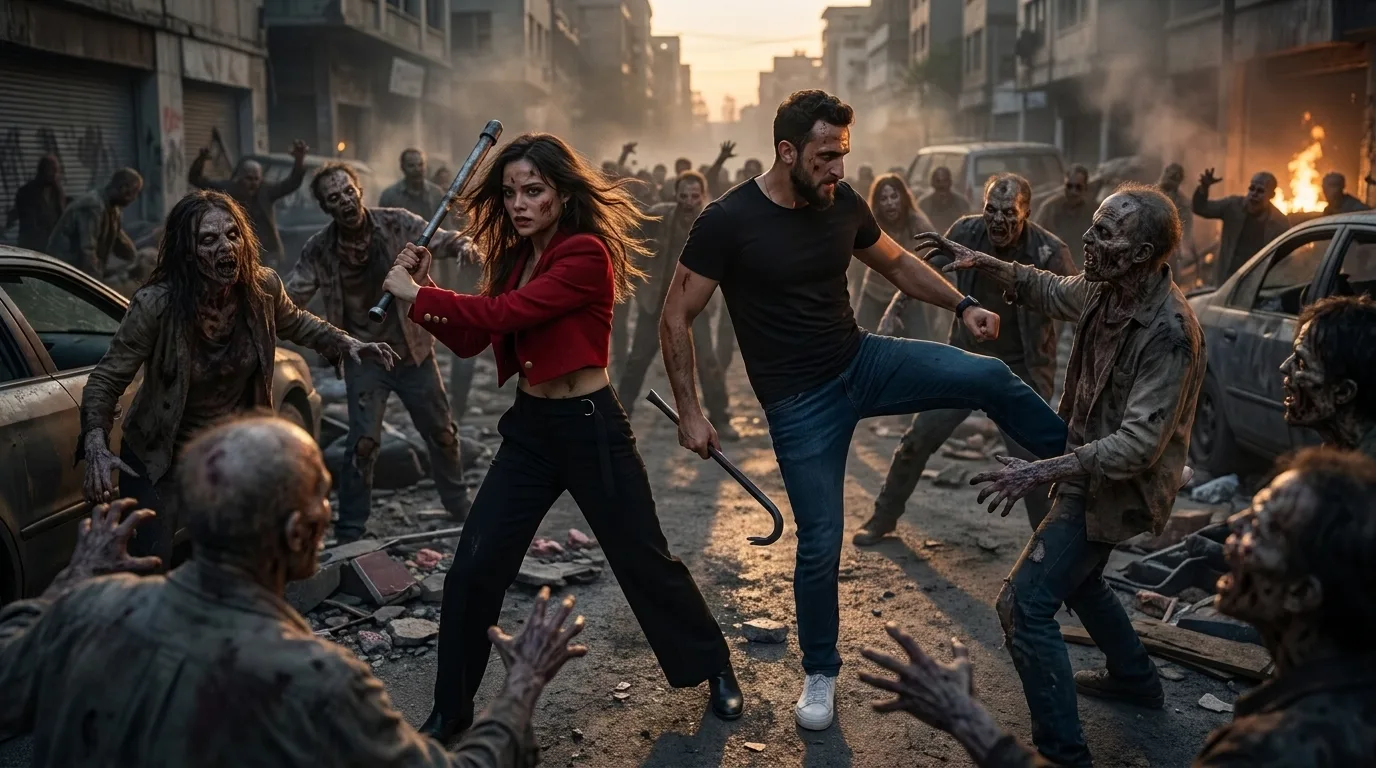
From then on, just type @maya in any prompt, image or video and the model generates using that same reference instead of guessing a new face each time. This works the same way for a product shot or a recurring background/set.
Tip:Elements work across both the Image and Video tabs the same saved character can anchor a whole scene's worth of shots, not just one.